
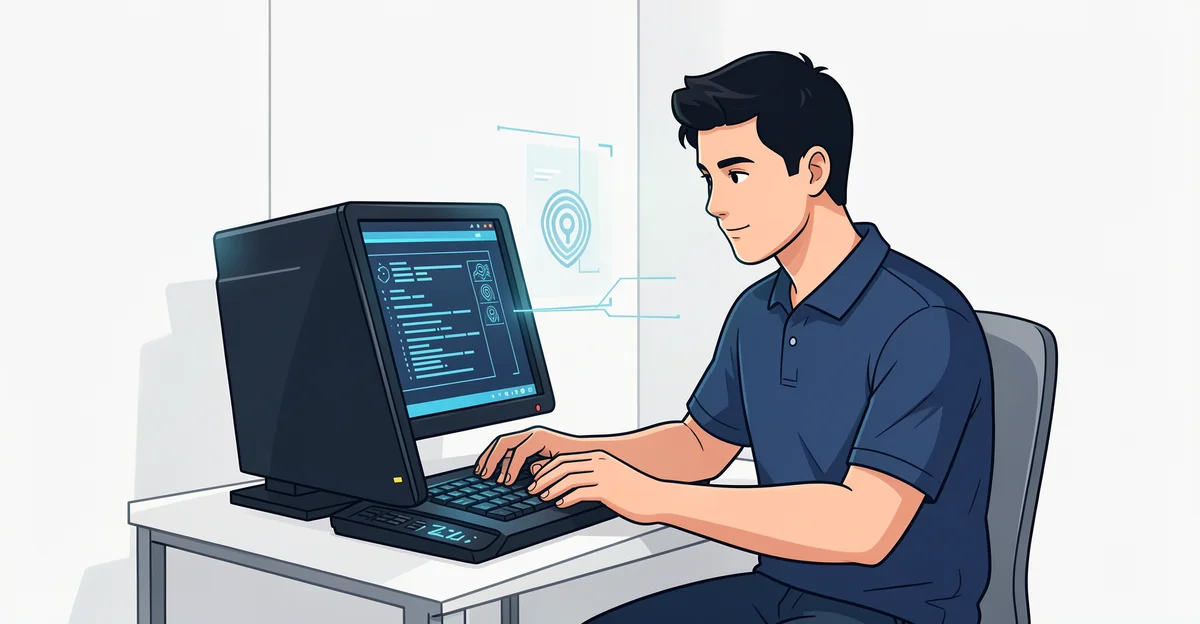
Your PC holds everything from personal photos to financial data — and hackers know it. Every day, cybercriminals use malware, phishing attacks, and network intrusions to break into unprotected computers, often without the owner noticing until it’s too late. The good news? You don’t need to be a tech expert to fight back.
In this guide, we’ll walk you through practical, step-by-step ways to secure your PC from hackers. From stronger passwords and timely software updates to firewalls and smart browsing habits, these proven tips will help you lock down your system and keep your private information safe.
Introduction
Every day, millions of computers connect to the internet, exchange files, run software, and store personal data. That constant connectivity is what makes modern life convenient — and it is also what makes your PC a target. Hackers do not need to be criminal masterminds to compromise a machine. Often, they rely on overlooked settings, outdated software, weak passwords, or a single careless click. The good news is that securing your PC is not a mysterious art reserved for IT professionals. It is a set of understandable, repeatable habits that anyone can learn.
This article explores How to Secure Your PC From Hackers with clear, practical guidance. You will learn how attacks typically work, which defenses actually matter, and how to build a routine that keeps your system protected over time. Understanding the fundamentals of How to Secure Your PC From Hackers helps you make informed decisions rather than blindly following random tips. Reliable information and consistent habits lead to better long-term outcomes, and that is exactly what this guide is designed to help you achieve.
Key Concepts
Before diving into specific tools and settings, it helps to understand the vocabulary and mental models behind PC security. These concepts form the foundation for every action you will take later.

Attack Surface
Your attack surface is the sum of all the ways an attacker could potentially reach your system. That includes your operating system, installed applications, browser extensions, network connections, USB ports, user accounts, and even your own behavior. Reducing the attack surface means closing off unnecessary entry points: uninstalling software you no longer use, disabling services you do not need, and limiting who can log in.

Malware, Viruses, and Ransomware
People often use these terms interchangeably, but they describe different threats. A virus is a type of malware that attaches itself to files and spreads when those files are opened. Malware is the broader category, covering spyware, adware, trojans, and worms. Ransomware is a particularly destructive form that encrypts your files and demands payment to unlock them. Each requires different defenses, though good habits and updated tools protect against all three.
Phishing and Social Engineering
Not every attack involves technical exploits. Phishing tricks you into revealing passwords or installing malicious software by pretending to be a trusted source — a bank, a colleague, or a popular website. Social engineering exploits human psychology rather than code. Recognizing these tactics is just as important as installing antivirus software.
Authentication and Authorization
Authentication verifies who you are (a password, a fingerprint, a security key). Authorization determines what you are allowed to do once identified. Strong authentication stops attackers from logging in as you, while proper authorization limits the damage if an account is compromised. Multi-factor authentication (MFA) combines something you know with something you have, dramatically improving security.
Encryption
Encryption scrambles data so that only someone with the correct key can read it. On a PC, encryption protects files if the device is lost or stolen, and it protects data in transit when you browse the web or send messages. Full-disk encryption and HTTPS are two everyday examples.
Patching and Updates
Software inevitably contains bugs, and some of those bugs are security vulnerabilities. Vendors release patches to fix them, but patches only help if you install them. Many successful attacks exploit vulnerabilities that were patched months or years earlier. Updating is one of the highest-value, lowest-effort security actions available.
Deep Dive
Understanding why certain practices matter helps you prioritize them. Let’s examine the most common ways hackers compromise a PC and what makes each defense effective.
How Hackers Typically Get In
Most successful attacks follow a handful of patterns. Phishing emails deliver malicious links or attachments. Drive-by downloads occur when you visit a compromised website that silently installs malware. Weak or reused passwords let attackers credential-stuff their way into accounts. Unpatched software provides known exploits. Physical access — someone briefly using your unlocked computer — remains a surprisingly common vector. Public Wi-Fi networks can expose unencrypted traffic. Supply chain attacks target trusted software updates. Understanding these vectors tells you where to focus your energy.
Why Layered Defense Works
Security professionals talk about “defense in depth.” No single measure is perfect. Antivirus software can miss new threats. Strong passwords can be phished. Firewalls can be misconfigured. But when you combine multiple layers — updates, antivirus, firewalls, strong authentication, encryption, and cautious behavior — an attacker must defeat several obstacles instead of one. Each layer reduces risk, and together they create meaningful protection.
The Role of Human Behavior
Technology alone cannot secure a PC. The most sophisticated tools fail if you click a malicious link, share your password, or ignore update notifications. Conversely, a cautious user with modest tools often stays safer than a careless user with expensive software. Security is a partnership between your tools and your habits.
Risk Is Not Binary
You will never reduce your risk to zero, and that is not the goal. The goal is to make yourself a harder target than the next person, to limit the impact if something does go wrong, and to recover quickly. Thinking in terms of risk reduction rather than perfect safety keeps you motivated without becoming paralyzed by fear.
Best Practices
These practices form a practical, prioritized checklist. Start with the highest-impact items and work your way down.
Keep Everything Updated
- Enable automatic updates for your operating system, browser, and applications.
- Update your router firmware and other network devices periodically.
- Remove software you no longer use to reduce your attack surface.
- Restart your computer regularly so updates can finish installing.
Use Strong, Unique Passwords and MFA
- Use a password manager to generate and store long, random passwords.
- Never reuse passwords across important accounts.
- Enable multi-factor authentication wherever it is offered, especially for email and banking.
- Prefer authentication apps or hardware keys over SMS codes when possible.
Install and Maintain Security Software
- Use reputable antivirus or endpoint protection and keep it updated.
- Enable your operating system’s built-in firewall.
- Consider a reputable ad blocker or script blocker to reduce malicious ads.
- Run periodic scans, especially after downloading files from unfamiliar sources.
Practice Safe Browsing and Email Habits
- Hover over links to preview the actual destination before clicking.
- Do not open unexpected attachments, even from known contacts.
- Type important website addresses directly rather than clicking search results.
- Be skeptical of urgent requests for money, passwords, or personal information.
Secure Your Network
- Change default router credentials and use WPA3 or WPA2 encryption.
- Avoid sensitive activities on public Wi-Fi, or use a trusted VPN.
- Use a guest network for smart devices and visitors.
- Turn off file sharing and unused services when not needed.
Protect Your Data
- Enable full-disk encryption, such as BitLocker or FileVault.
- Back up important files regularly using the 3-2-1 rule: three copies, two media types, one offsite.
- Store sensitive documents in encrypted containers or password-protected archives.
- Lock your screen whenever you step away.
Limit Physical and Account Access
- Use a standard user account for daily work instead of an administrator account.
- Set a strong login password and enable automatic screen locking.
- Disable or secure USB ports if you operate in a high-risk environment.
- Review which apps and websites have access to your accounts and revoke unused permissions.
Step-by-Step Guide
Follow these steps in order to move from uncertainty to a secured system.

Step 1: Understand the fundamentals
Start by learning the basic threats and defenses covered in the Key Concepts section. Know what malware, phishing, and patching mean, and recognize that security is layered. This mental model will guide every decision that follows and prevent you from wasting effort on ineffective measures.

Step 2: Assess your starting point
Take stock of your current setup. Which operating system and version are you running? Is automatic updating enabled? Do you use antivirus software? Are your passwords reused? Is disk encryption active? Is your router using default credentials? Write down your answers honestly. You cannot improve what you have not measured.

Step 3: Set clear goals
Define what security success looks like for you. A reasonable starting goal might be: all devices updated automatically, unique passwords in a manager, MFA on email and financial accounts, antivirus active, firewall enabled, disk encryption on, and regular backups running. Setting goals turns a vague concern into a concrete checklist you can complete.
Step 4: Gather necessary resources
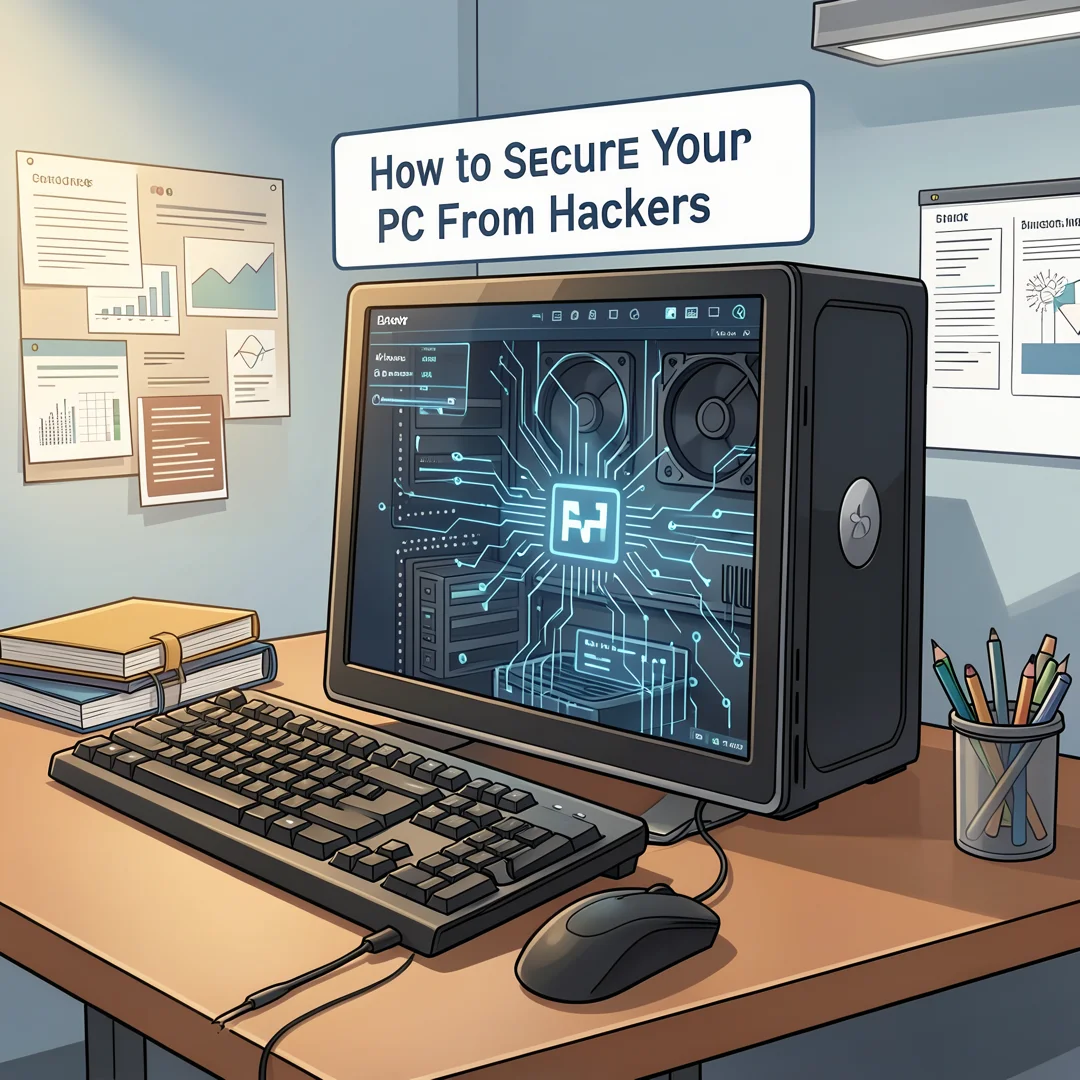
Collect the tools you need: a reputable password manager, security software, a backup drive or cloud service, and a VPN if you frequently use public networks. Budget time as well — setting up these tools properly may take an afternoon, but it pays off for years. If you share a household, involve others so everyone follows the same practices.
Step 5: Apply the core methods
Work through the Best Practices list systematically. Enable automatic updates first, then set up your password manager and MFA, then install security software, then configure your network and encryption, and finally establish a backup routine. Test each change as you go — for example, confirm that a backup actually restores a file before you rely on it.

Step 6: Monitor your progress
Security is ongoing, not a one-time project. Review account activity regularly for unfamiliar logins. Check that updates and backups are still running. Reassess your setup every few months and after any major change, such as a new device or a job change. Adjust your habits as new threats emerge, and stay curious about emerging risks.
FAQ
What should I know about How to Secure Your PC From Hackers?
The most important things to know are that security is layered, that updates and strong authentication deliver the highest return on effort, and that your own habits matter as much as your tools. No single product makes you invulnerable, but combining updates, antivirus, strong passwords, MFA, encryption, backups, and cautious behavior dramatically reduces your risk. You do not need to be technical to implement these measures; you need consistency.
Who is this guide for?
This guide is for anyone who uses a personal computer at home or in a small office and.
You now have a solid foundation for How to Secure Your PC From Hackers. Apply the best practices above and revisit this guide as your needs evolve.